
Remote PC Support Made Easy for Seniors: Your Guide to Elderly Remote Tech Help
Technology can sometimes feel overwhelming, especially when you’re not a tech expert. But what if you could get help with your computer without leaving your home? That’s where elderly remote tech help comes in. It’s a simple, safe way to get your PC fixed, updated, or optimized by a professional who connects to your computer remotely. This means you don’t have to worry about complicated setups or traveling to a repair shop.
In this post, you’ll learn how remote PC support works, why it’s perfect for seniors, and how to get started with confidence. We’ll keep things clear and straightforward, so you feel comfortable every step of the way.
What Is Elderly Remote Tech Help and How Does It Work?
Elderly remote tech help means a trusted technician can access your computer from their location to assist you. They use special software that lets them see your screen and control your mouse and keyboard, but only with your permission. This way, they can fix problems, install updates, or help you learn new skills without being physically present.
Here’s how it usually works:
You schedule a session with a tech expert.
You download a small, safe program that allows remote access.
You share a unique code with the technician.
The technician connects to your PC and helps you.
When the session ends, the connection is closed, and your computer is secure.
This process is designed to be easy and secure. You stay in control the entire time, and the technician can’t access your computer without your approval.
Why is this great for seniors? Because it removes the need to travel or carry your computer to a shop. Plus, you get personalized help tailored to your needs.

Benefits of Elderly Remote Tech Help for Your Peace of Mind
Getting help remotely offers many advantages, especially if you want to keep your computer running smoothly without stress. Here are some key benefits:
Convenience: No need to leave your home or wait for a technician to visit. Help comes to you.
Safety: You avoid exposure to germs or travel risks.
Speed: Problems can be diagnosed and fixed quickly.
Learning Opportunity: You can watch and learn as the technician works, gaining confidence.
Security: Trusted professionals use secure connections and respect your privacy.
Cost-Effective: Remote support often costs less than in-person visits.
For example, if your email isn’t working or your computer is running slow, a remote technician can troubleshoot and fix these issues while you watch. They can also help you set up backups or install antivirus software to keep your data safe.
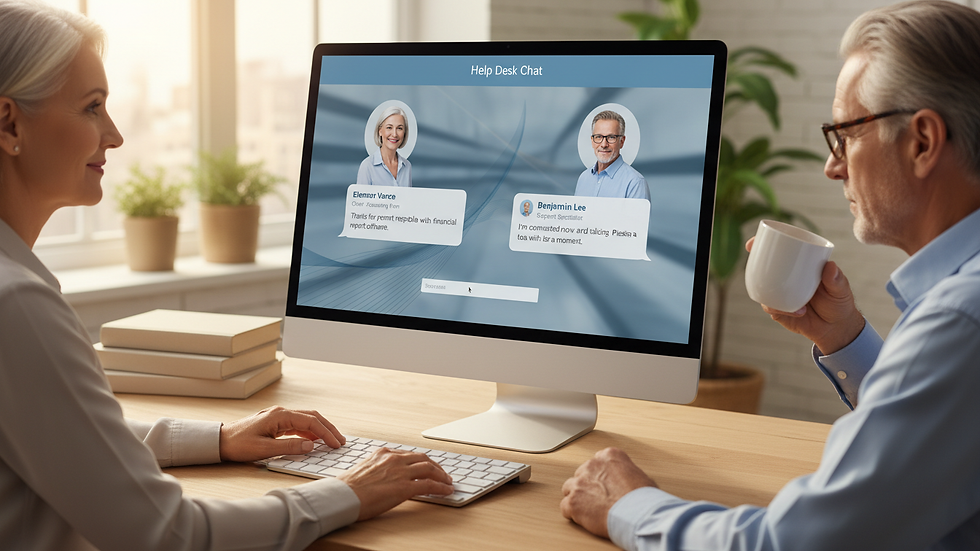
Does AARP Offer Tech Support for Seniors?
Many seniors wonder if organizations like AARP provide tech support. While AARP offers a wealth of resources, including articles and guides on technology, they do not provide direct remote PC support services. However, they do partner with trusted companies and recommend resources that can help you get the assistance you need.
If you’re looking for hands-on help, it’s best to connect with professional remote support services that specialize in working with seniors. These services understand your unique needs and communicate in clear, simple language.
How to Choose the Right Remote PC Support for Seniors
Choosing the right remote support service is important to ensure your computer is in good hands. Here are some tips to help you pick the best option:
Look for Experience with Seniors: The best services know how to explain things clearly and patiently.
Check Security Measures: Make sure the company uses encrypted connections and never accesses your computer without permission.
Read Reviews: See what other users say about their experience.
Ask About Services Offered: Some companies provide full cybersecurity, backups, and system optimization, not just fixes.
Verify Availability: Choose a service that fits your schedule and offers quick response times.
Once you find a service, ask them to walk you through the process before starting. This way, you’ll feel comfortable and confident.
Getting Started with Remote PC Support for Seniors
Ready to try remote PC support? Here’s a simple step-by-step guide to get you started:
Contact the Support Service: Reach out by phone or online to schedule your session.
Prepare Your Computer: Make sure it’s turned on and connected to the internet.
Download the Remote Access Software: The technician will guide you to a safe download link.
Share the Access Code: This code allows the technician to connect securely.
Watch and Learn: Feel free to ask questions as the technician works.
End the Session: When done, the connection will close, and your computer is yours again.
Remember, you are always in control. If you feel unsure at any point, don’t hesitate to ask the technician to explain or pause.
Your Digital Bodyguard: Keeping Your Computer Secure and Optimized
Think of your remote tech support as your personal digital bodyguard. They don’t just fix problems; they protect your computer from threats, back up your important files, and keep everything running at peak performance. This hands-off approach means you don’t have to worry about managing complex security settings or remembering to update software.
With professional remote support, you get:
Next-Generation Antivirus (NGAV): Advanced protection against viruses and malware.
Automatic Backups: Your photos, documents, and important files are safely stored.
System Optimization: Your computer runs faster and smoother.
Regular Checkups: Technicians monitor your system to catch issues early.
This ongoing care gives you peace of mind, knowing your digital life is safe and your computer is ready whenever you need it.
Remote PC support is a simple, secure, and effective way to keep your computer healthy and your mind at ease. If you want to explore this option, consider trusted services that specialize in remote pc support for seniors and enjoy the benefits of expert help without the hassle.
Your computer is an important tool, and with the right support, it can stay reliable and secure for years to come.


Comments